
Gaming Mode - Game Booster PRO
ZipoApps
Downloads
10,000,000+
Version
Latest
Click to download now, finish the installation quickly, and directly unlock the "all-round experience"
Screenshots
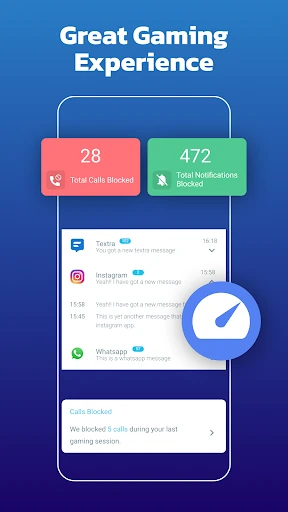
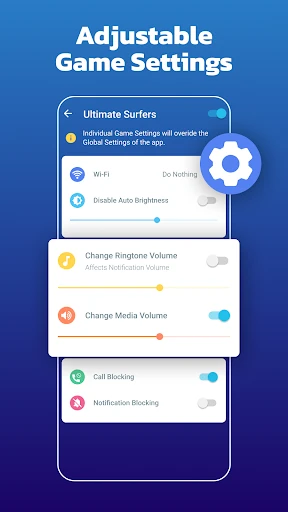
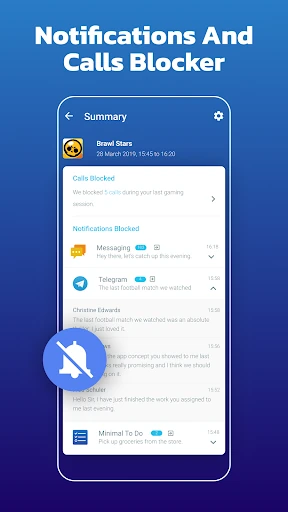
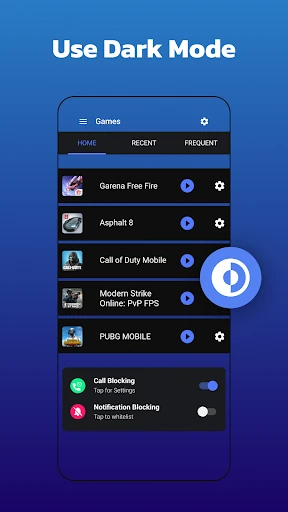
Click to download now, finish the installation quickly, and directly unlock the "all-round experience"
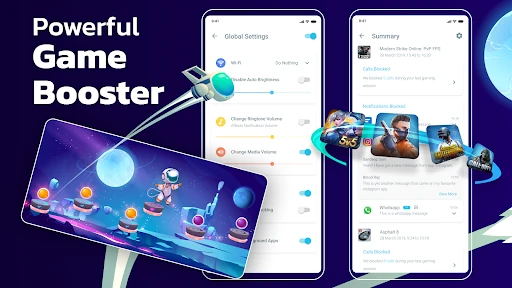
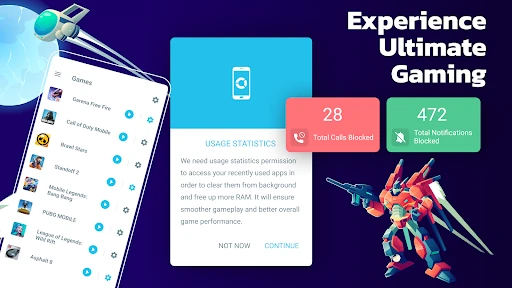
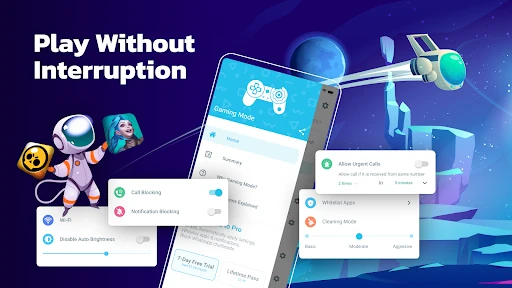
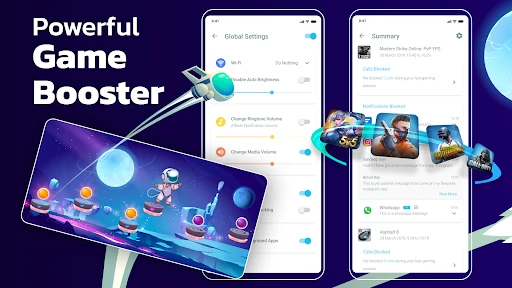
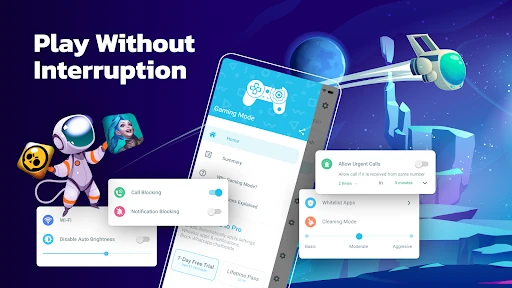
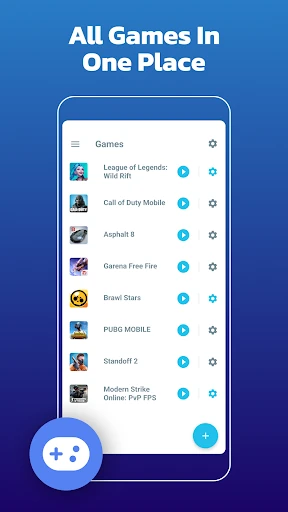
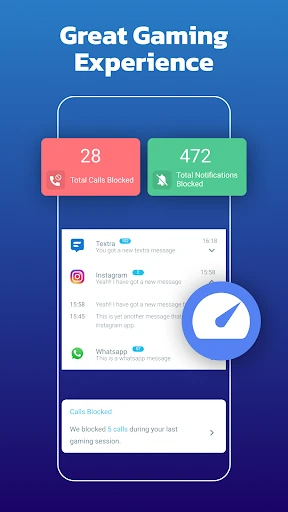
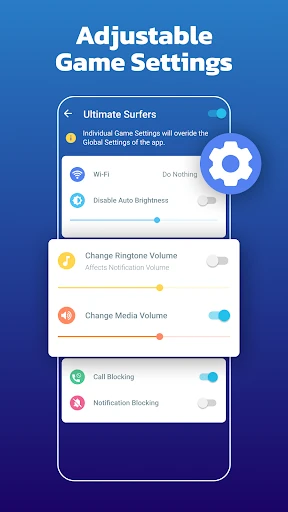
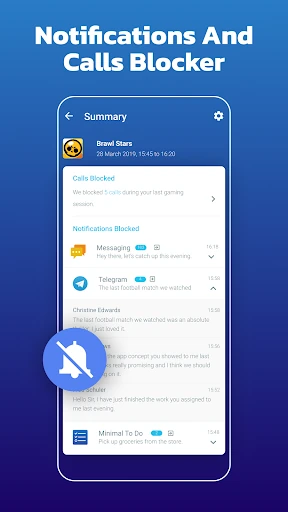
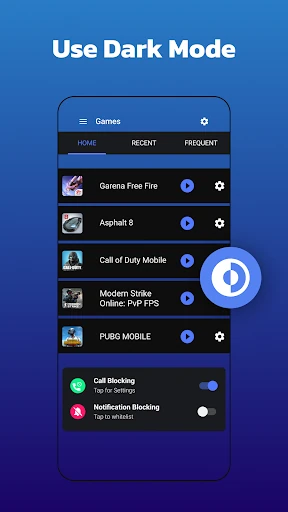
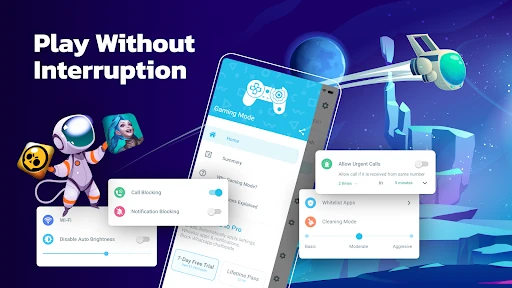
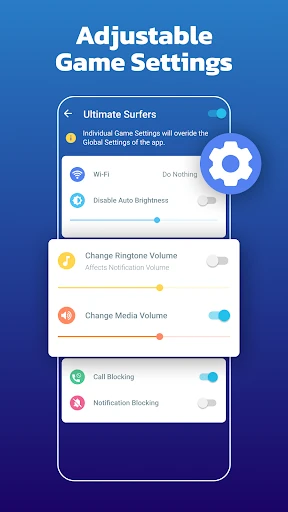
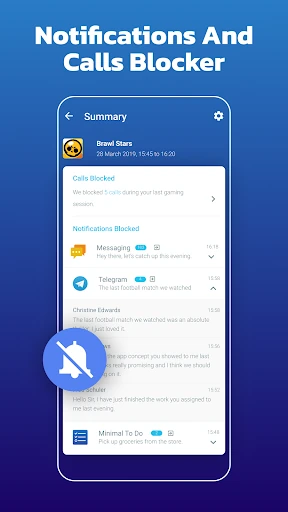
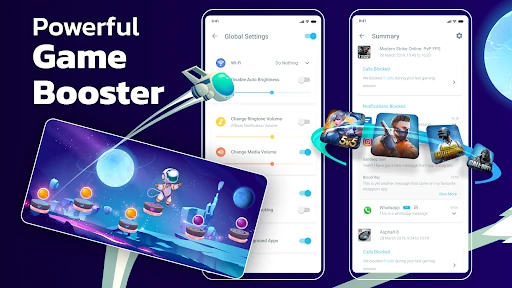
Gaming Mode - Game Booster PRO establishes itself as a dedicated utility app squarely within the Personalization category, aiming to automate the tedious pre-session configurations required by serious mobile gamers. It differentiates itself from generic boosters by focusing on automating OS-level settings like call blocking and display controls, reducing friction and aiming to create an interruption-free environment. Its use of a local VPN for connection blocking is a notable technical approach often seen in this niche.
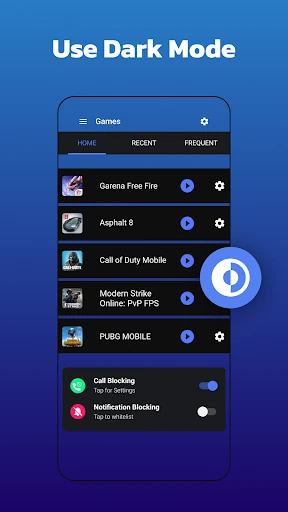
The user experience is built around a clear premise: set-it-and-forget-it automation. The described workflow (configure profiles, use widgets to launch) suggests a utility-first design paradigm, which is appropriate for the Personalization/utility category. However, the ultimate UX quality depends heavily on the intuitiveness of the profile creation interface and the reliability of the automation triggers. A poorly designed settings menu could undermine the core value proposition. The widget functionality is a strong UX choice that aligns with power-user expectations for quick access.
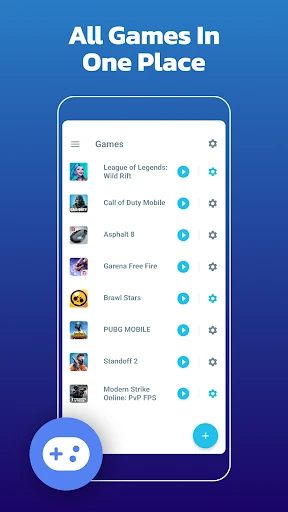
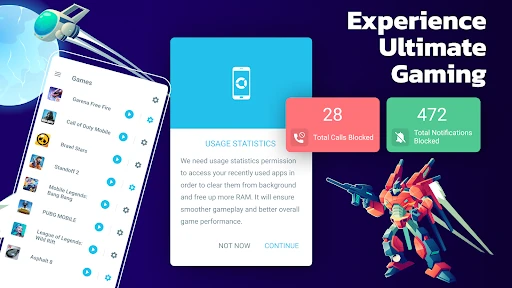
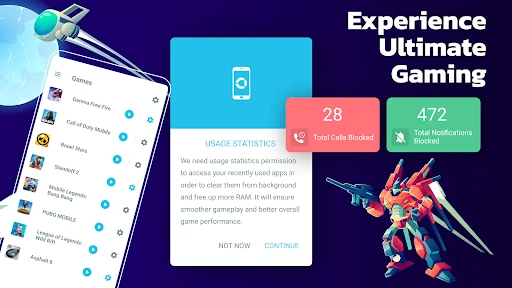
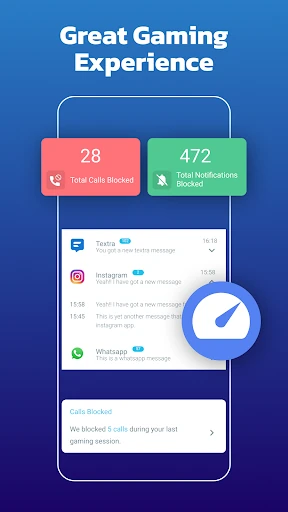
The app could explore integration with game libraries (like Play Games) for automatic profile suggestions based on the game installed. Adding performance telemetry (e.g., showing FPS before/after applying a profile) would provide tangible evidence of the "boost." To improve accessibility, a tutorial or guided setup for first-time users would clarify the permission requirements. Finally, investigating more advanced, non-invasive methods for internet blocking that don't require a local VPN could improve system compatibility and user trust.
This app is best suited for dedicated Android gamers who play on older devices or manufacturer skins lacking robust built-in gaming modes, and who are frustrated by distractions and manual setup. It is a recommendation for those who value deep customization and automation over simplicity. For users with modern devices that already have strong native "Focus Mode" or "Game Launcher" features, the added utility may be minimal. The final verdict hinges on its execution: a stable, intuitive app that delivers on its automation promise is a valuable tool; a clunky, buggy one is simply another permission-heavy app.