
Crop, Trim Video Editor
Eco Mobile Editor
Downloads
500,000+
Version
Latest
Click to download now, finish the installation quickly, and directly unlock the "all-round experience"
Screenshots
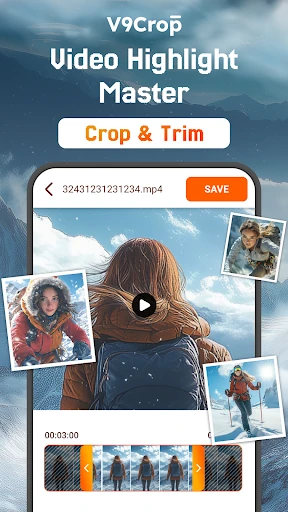
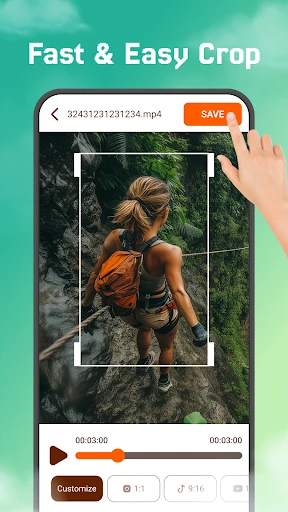
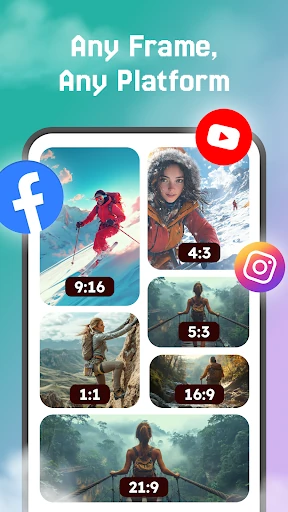

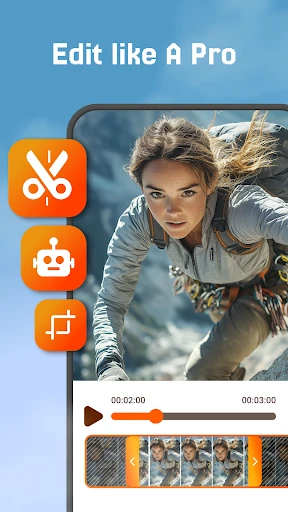
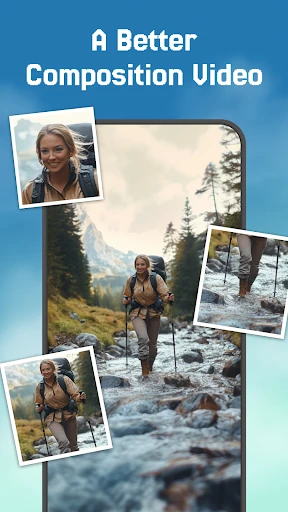
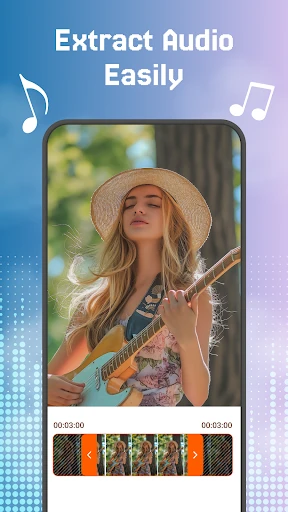
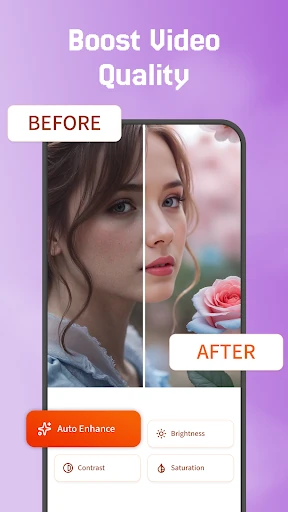
Click to download now, finish the installation quickly, and directly unlock the "all-round experience"
The "Crop, Trim Video Editor" app (V9Crop) positions itself as a streamlined, focused tool within the crowded Video Players & Editors category. It carves out a specific niche by targeting users who need immediate, uncomplicated editing—primarily cropping and trimming—without the overhead of a full-featured editing suite. For social media creators, casual editors, or anyone needing to quickly reframe a clip for a specific platform, this app provides a welcome and direct solution.
The app's design philosophy aligns with its target audience: beginners and casual users. A UI with clearly labeled, minimalistic controls reduces cognitive load and the intimidating feeling common in pro editors. The emphasis on a seamless, start-to-finish workflow suggests a logical, step-by-step process, which is a critical UX standard for entry-level tools in this category. However, the true test of its UX excellence would be in the intuitiveness of gesture controls and the visibility of editing handles.
The most impactful update would be to expand its core toolkit to include three fundamental features: 1) A video rotation/flip tool, 2) Basic brightness/contrast adjustment sliders, and 3) An audio mute/detach option. Furthermore, clarifying the app description to more accurately reflect its focused nature as a "quick crop & trim specialist" would manage user expectations better than the current "all-in-one" claim.
This app is specifically for the absolute beginner, the social media user who needs to fix a video's framing in under a minute, or anyone temporarily frustrated by the complexity of larger apps. It is not for users wanting to add music, text, transitions, or effects. For its narrow focus, it appears competent. The final verdict: a solid recommendation for those seeking a digital pair of scissors for their videos, but a hard pass for users needing even a basic Swiss Army knife of editing tools.